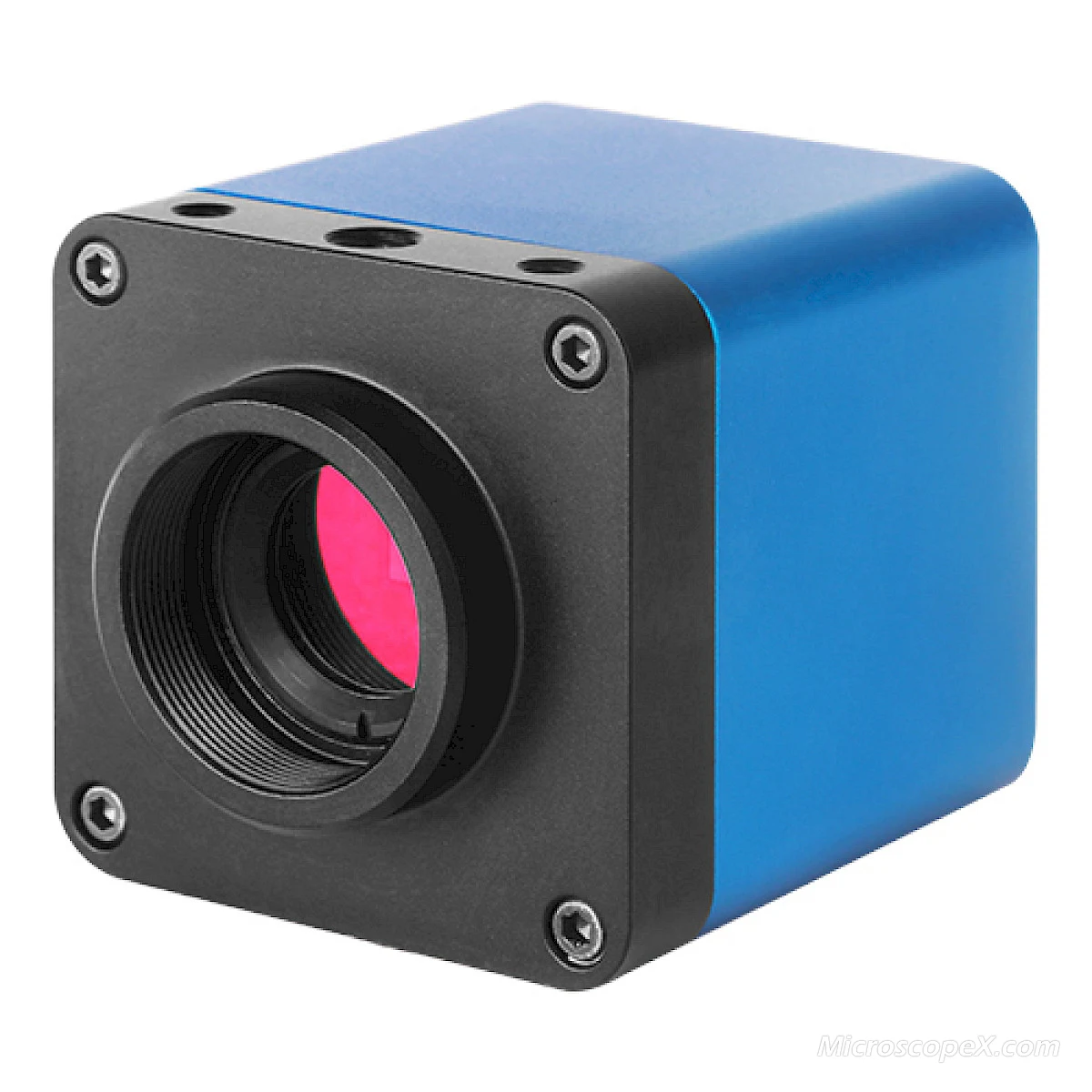
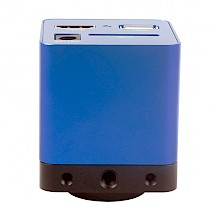

Photos of XCAM0720PHB/PHC
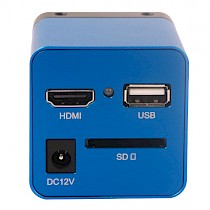
Hardware Interface and XCamView UI Description:
The XCAM0720PHB/PHC light indicator flashes about 15s after the power on. The camera will load XCamView, and then the system begins to work. Auto exposure and white balance are the default state now.
- HDMI: The HDMI cable connected to the HDMI diaplayer
- USB: USB mouse
- DC 12V: Power in 12V/1A
- LED: The blue LED indicator
- SD: SD card

The GUI of the embeded camera control panel of XCamView in XCAM720PHB

XCamView toolbar for XCAM0720PHB/PHC
Move mouse to the bottom of the HDMI displayer, the bottom toolbar will be available. The function of each toolbar buttons are described as follows:
- 1:Image Capture
- 2:Digital Zoom In
- 3:Digital Zoom Out
- 4:Horizontal Flip
- 5:Vertical Flip
- 6:Video Freez /Cancel Video Freeze
- 7:Display/Hide the Camera Control Panel
- 8:Display the XCamView Version Information
Dimension of XCAM0720PHB/PHC
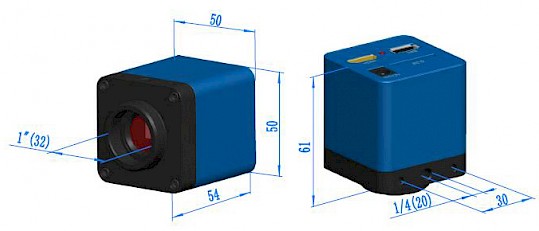
Dimension of XCAM0720PHB/PHC
Extension of XCAM0720PHB/PHC with Microscope or Telescope Adapter
Extension | Picture | |
|---|---|---|
C-mount Camera |
| Machine vision; Medical imaging; |
| ||
Telescope Camera: | ||