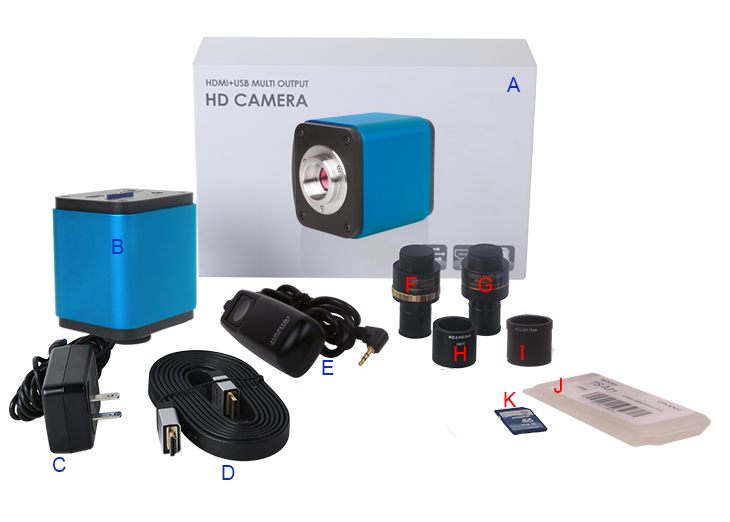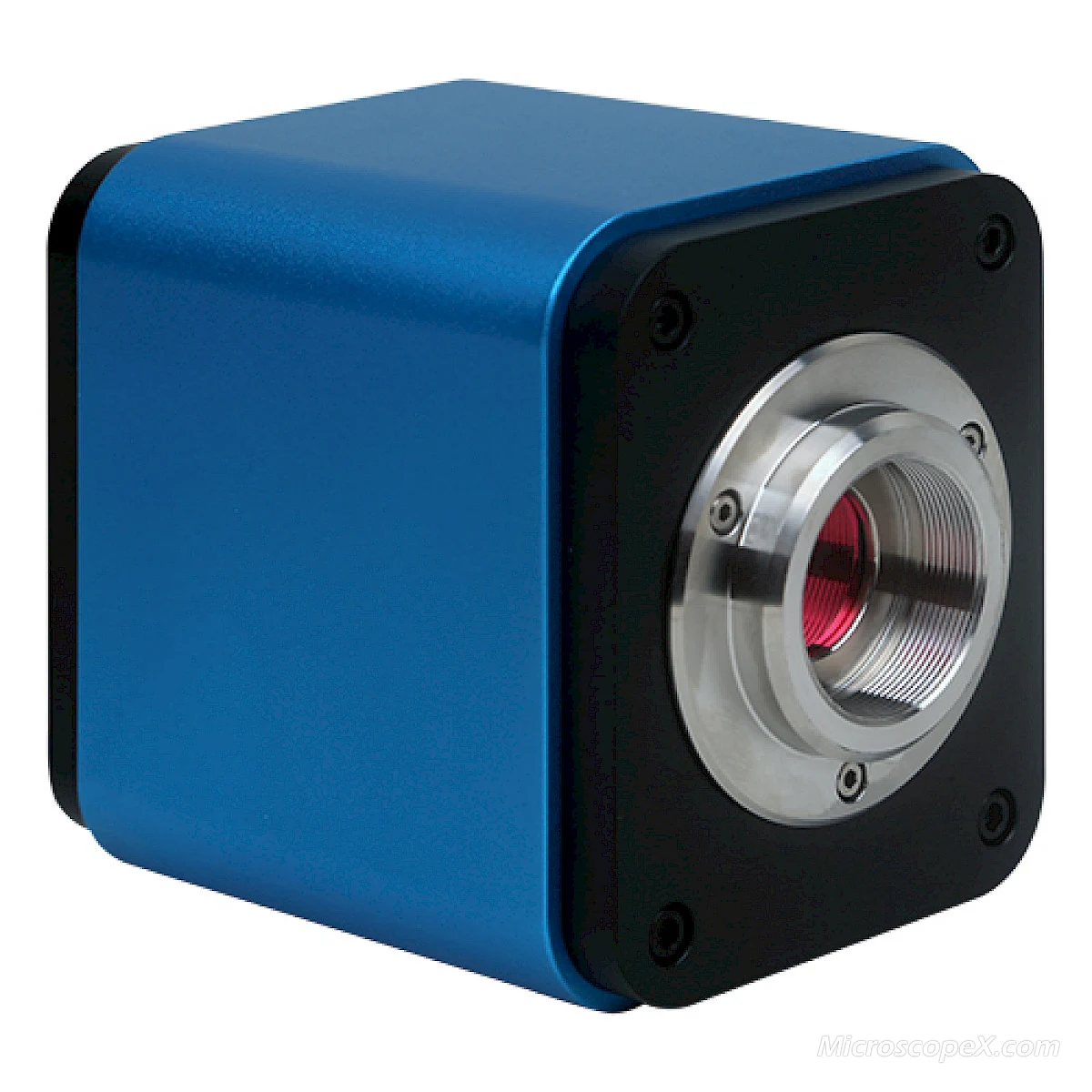
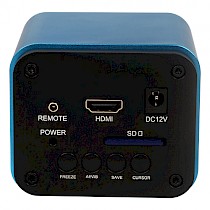
XCAM0720PHA and its Back Panel
The XCAM0720PHA light indicator flashes about 15s after the power on. Then the XCAM0720PHA will load software, after finish loading, the system begins to work. Auto exposure and white balance are the default state now.
- Freeze button: Toggle between the video stream mode/freeze mode(Default is video stream)
- AEWB button: Toggle auto exposure and white balance on/off (Default is on)
- SAVE button: Saving the current screen to the image SD card, the compression format is JPEG with a resolution of 1280x720, users can press the button or click the remote controller button to save picture

- CURSOR button: Toggle the OSD cursor on/off (default is off).Crosshair style including: scale, double horizontal line, double vertical line, double cross line, Tri-factor cross line. Functions shift as user press the button
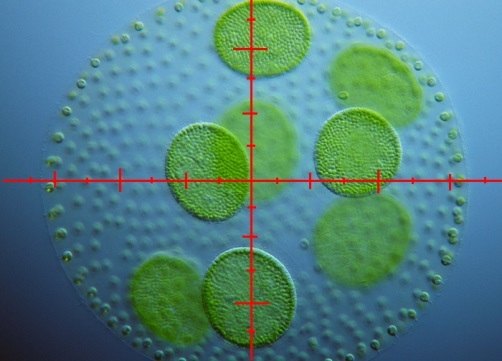
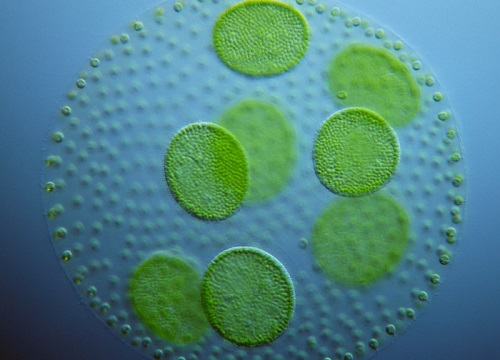
Scale Default is off


Scale Two horizontal lines


Two vertical lines Double cross line

Tri-factor cross line
Dimension of XCAM0720PHA
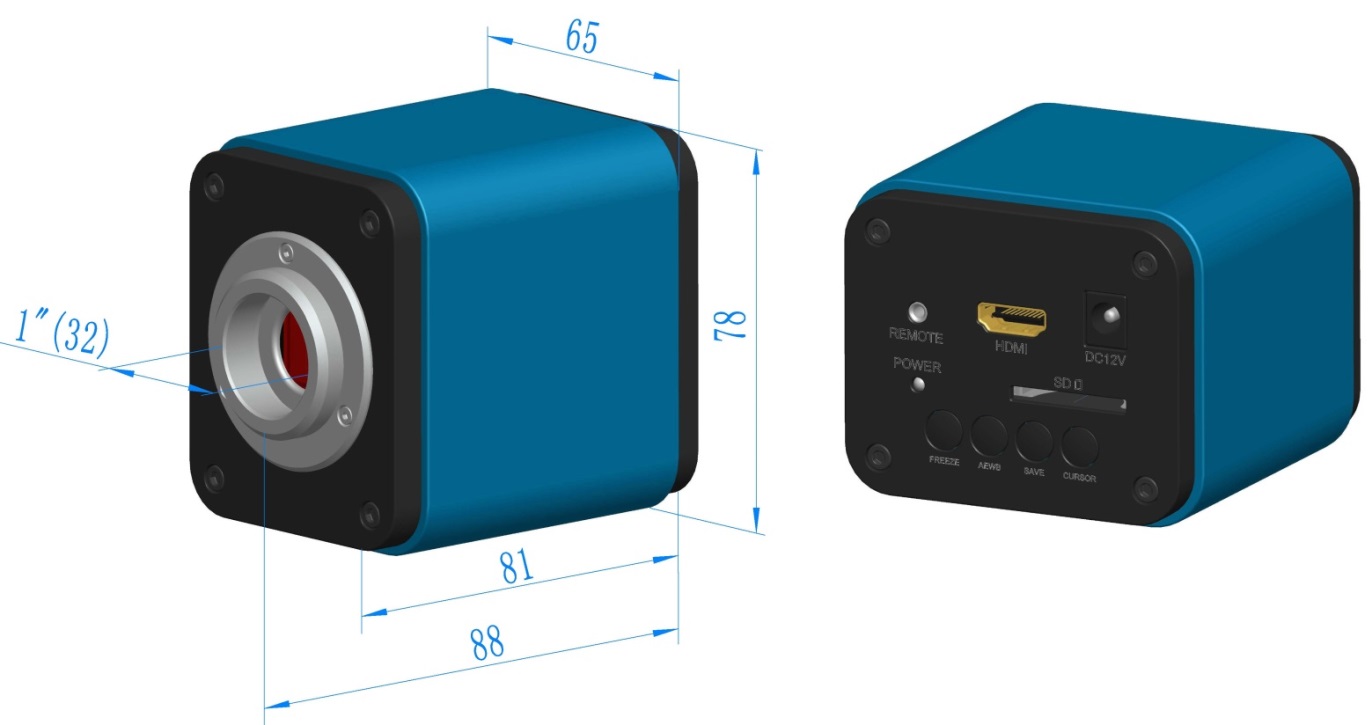
Dimension of XCAM0720PHA
Extension of XCAM0720PHA Camera with Microscope or Telescope Adapter
Extension | Picture | |
|---|---|---|
C-mount Camera |
| Machine vision; Medical imaging; |
| ||
Telescope Camera: | ||